
PancakeSwap does not use a traditional username-and-password login. You connect a compatible self-custody wallet and approve actions in that wallet. This guide explains how to connect safely, make a token swap and transfer crypto while reducing common phishing, token and address risks.
Before You Connect to PancakeSwap
Use a current browser and wallet app downloaded from its official publisher. Enter pancakeswap.finance yourself or use a trusted bookmark. Check the complete domain before connecting; advertisements and direct messages can lead to look-alike phishing pages.
60-second pre-connection checklist
- The browser displays the exact domain pancakeswap.finance over HTTPS.
- Your wallet extension or mobile app came from its official source.
- The selected blockchain network matches the tokens you intend to use.
- You have enough of the network’s native coin to pay gas.
- You know the verified contract address of any unfamiliar token.
- For a valuable wallet, consider using a hardware wallet or a separate DeFi wallet.
How to Log In to PancakeSwap Safely
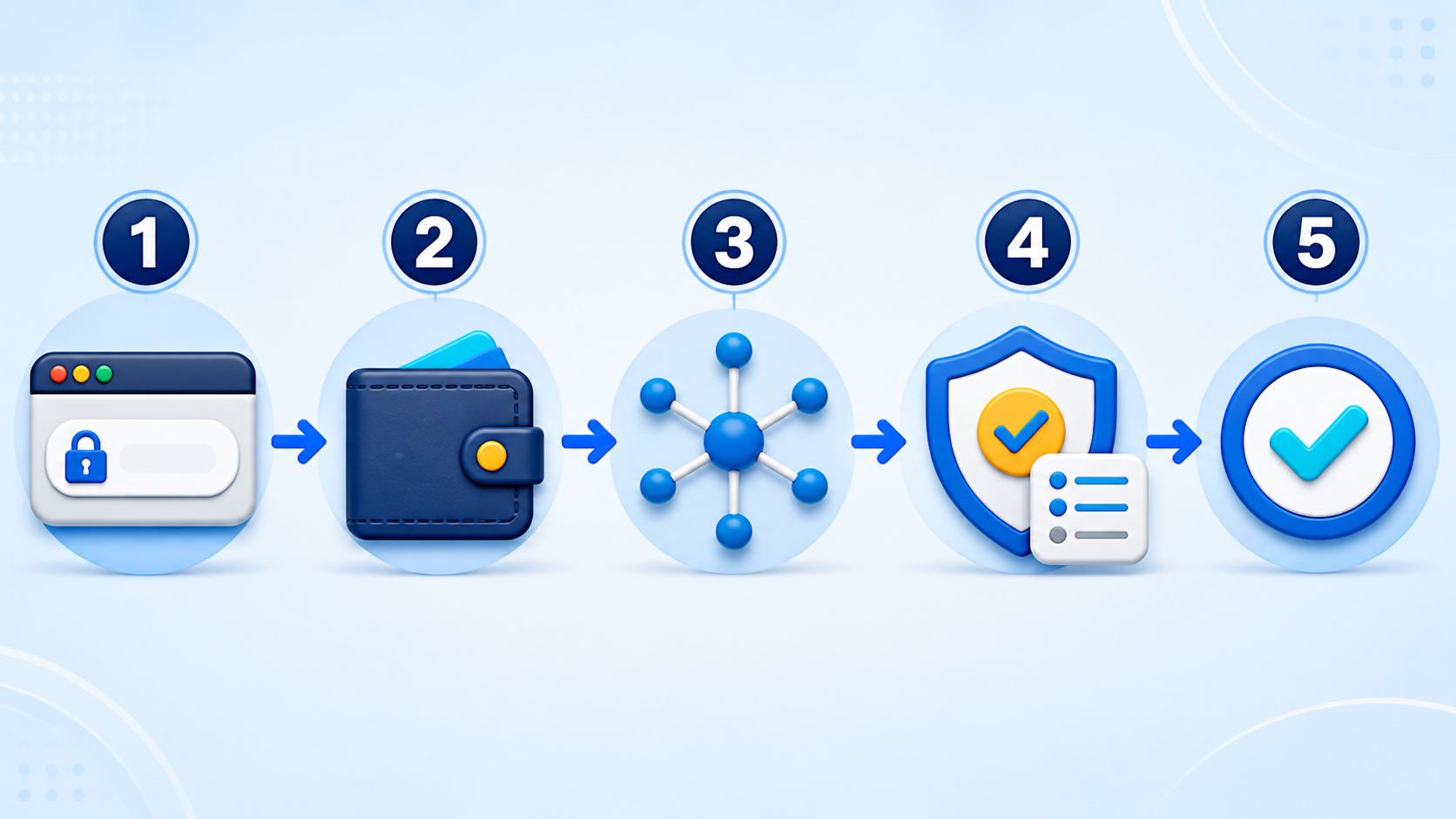
- Open the official website. Inspect the full address and avoid links received in unsolicited email, social media replies or support messages.
- Select Connect Wallet. Choose your wallet type. On mobile, use the wallet’s built-in browser or an official WalletConnect flow when supported.
- Read the wallet request. A basic connection normally lets the site view your public address and request signatures. It does not require your recovery phrase.
- Confirm the account and network. Make sure you are exposing the intended public address and are using the network required for the swap.
- Connect without signing unexplained messages. Reject any unexpected approval, token permit or transaction. Reopen the official site and investigate first.
Connecting a wallet is not the same as transferring funds. However, later token approvals and signatures can authorize spending, so each request still deserves a careful review.
How to Make a Token Swap
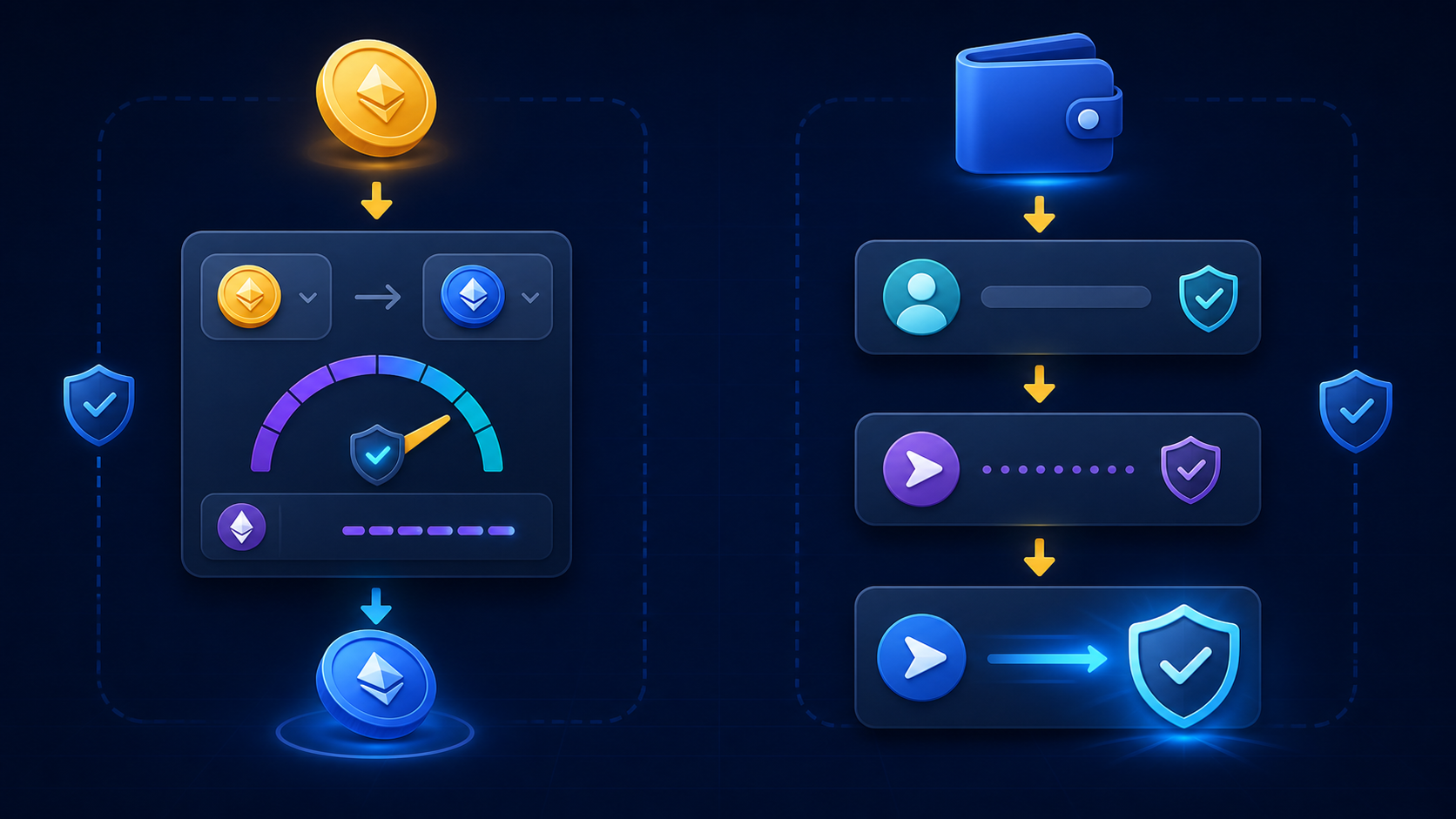
- Open the Swap section and select the token you will pay and the token you want to receive.
- Verify the token contract. Symbols and names can be copied by scam tokens. For an imported asset, compare its contract address with the token project’s official documentation and a reputable block explorer.
- Enter the amount and keep enough native coin for network gas. Never use the entire gas balance.
- Review the quote. Check the exchange rate, price impact, minimum received, route, liquidity-provider fee and estimated network cost.
- Set slippage deliberately. Start with a low reasonable tolerance. A higher value may be necessary for volatile or low-liquidity tokens, but it increases the risk of a worse execution price.
- Approve only when needed. Some tokens require an allowance before swapping. Prefer a limited allowance when the wallet or interface offers it; unlimited approvals create more exposure if a contract or account is compromised.
- Confirm the swap in your wallet. Compare the token, amount, network and expected destination before signing.
- Verify the result on-chain. Wait for confirmation and inspect the transaction using the correct block explorer if the balance does not update immediately.
| Field | What to check | Main risk |
|---|---|---|
| Token contract | Exact address from an authoritative source | Imitation or malicious token |
| Price impact | How much your trade moves the pool price | Poor execution in thin liquidity |
| Minimum received | Lowest output accepted after slippage | Receiving less than expected |
| Approval | Token, spender and allowance amount | Excessive future spending permission |
| Network fee | Correct network and sufficient gas balance | Failed or unnecessarily expensive transaction |
How to Transfer Crypto Safely
A transfer is normally initiated in your wallet rather than through PancakeSwap. Use it when sending assets to another wallet or exchange account.
- Confirm the receiving network. The sender and recipient must support the same blockchain and token standard. Do not assume that identical token symbols mean compatible networks.
- Copy the destination address from the recipient and compare the first and last characters after pasting. Address-poisoning scams can place similar addresses in your history.
- Check memo or tag requirements. Some centralized exchanges require an additional memo, tag or destination identifier.
- Send a small test amount when the destination is new or the transfer is valuable. Wait until it arrives before sending the remainder.
- Review the final wallet screen. Confirm the asset, amount, network, destination and fee on the signing device itself.
- Save the transaction hash. It provides an on-chain record for tracking or support.
Common Mistakes to Avoid
- Connecting through a sponsored search result without checking the domain.
- Importing a token based only on its ticker or logo.
- Approving an unlimited token allowance without understanding the spender.
- Raising slippage excessively just to force a transaction through.
- Sending on the wrong network or omitting an exchange memo/tag.
- Copying an address from transaction history instead of the recipient.
- Signing a message or transaction that differs from the action you requested.
After the Swap or Transfer
Confirm the transaction in a block explorer, disconnect the site when you finish and periodically review token approvals using a trusted approval-management tool for the relevant network. Disconnecting a wallet ends the website session, but it does not revoke existing on-chain allowances.
Frequently Asked Questions
Do I need an account or password to use PancakeSwap?
No traditional PancakeSwap account is required for a standard decentralized swap. You connect a supported wallet and authorize actions from that wallet.
Is connecting a wallet the same as giving access to my funds?
A basic connection exposes your public address, not your recovery phrase. Token approvals and signed transactions are separate actions and may authorize spending, so always read each wallet prompt.
Why did my swap fail?
Common causes include insufficient gas, expired quotes, rapid price movement, low liquidity, an unsuitable slippage setting or a token restriction. Do not repeatedly raise slippage without understanding the cause.
Can a crypto transfer be reversed?
Confirmed blockchain transfers are generally irreversible. Verify the address, network and memo/tag, and use a small test transfer for a new destination.
Educational notice: Interfaces, supported networks, fees and wallet prompts can change. Verify current information on the official PancakeSwap website and in your wallet before signing. This article is educational and is not financial advice.