

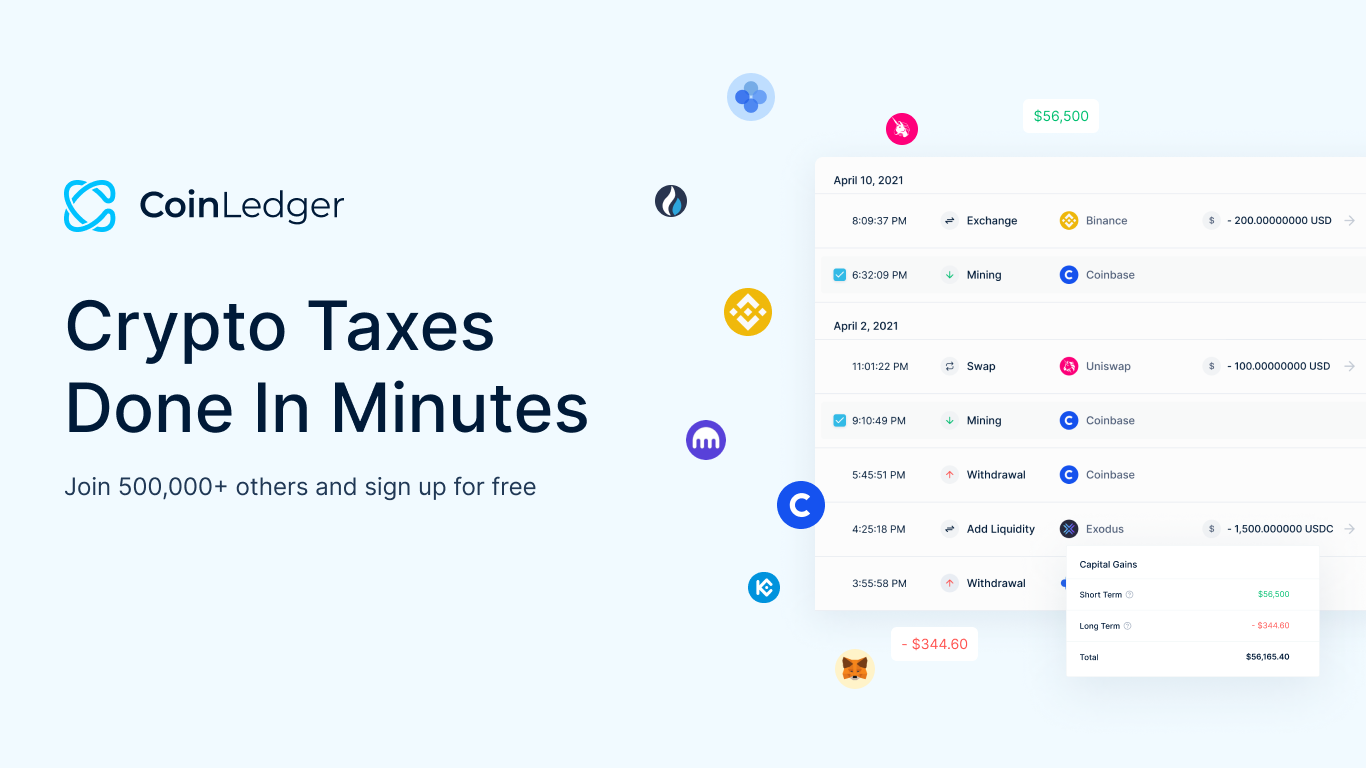
The CoinLedger discount code CRYPTOTAX10 is intended to provide 10% off an eligible CoinLedger purchase. This guide explains how to reach CoinLedger through the referral link, apply the coupon safely, verify the discount and choose a plan without confusing a promotional price with future renewal terms.
CoinLedger coupon code
Coupon: CRYPTOTAX10
Discount: 10% off eligible CoinLedger purchases
Referral link: use the Get CoinLedger button on this page.
Promotions can be subject to eligibility, plan, region and checkout conditions. Confirm that the order summary shows the expected reduction before paying. If the discount is not visible, do not assume it will be added after the purchase.
How to use CRYPTOTAX10
- Open CoinLedger using the referral button on this page.
- Create an account or sign in on the genuine
coinledger.iodomain. - Import transactions and preview calculations before selecting a paid tax-report plan.
- Proceed to the official checkout.
- Enter CRYPTOTAX10 in the available coupon or promotion field.
- Verify the displayed discount and final total before submitting payment.
Why import transactions before buying?
CoinLedger generally allows users to begin importing and reviewing activity before purchasing report access. Use that stage to confirm that your exchanges, wallets and blockchains are supported and that the transaction tier matches your history. Someone with several years of automated trading or DeFi may have far more records than expected.
Resolve obvious missing-cost-basis errors and duplicates before choosing a plan. A coupon reduces price; it does not correct incomplete data or make an unsuitable transaction tier sufficient.
How to verify the referral page
Check the browser address before creating an account or entering payment information. The destination should use HTTPS and the official CoinLedger domain. Avoid coupon pages that ask for exchange passwords, API withdrawal permissions, wallet private keys or seed phrases. Crypto tax software may need transaction history, but it never needs authority to move assets.
Does the code work with every plan?
Coupon eligibility can change. A discount may apply only to selected products, new purchases or particular billing conditions and may not combine with another offer. The checkout total is the authoritative confirmation. Capture a receipt and the displayed terms if the price is important to your decision.
Choosing a CoinLedger plan
- Count transactions across all exchanges and wallets.
- Check whether the plan covers the required filing year and report types.
- Confirm support for DeFi, NFTs and staking used in your portfolio.
- Compare current price, taxes and any renewal conditions.
- Review the refund policy before purchasing.
Affiliate disclosure
The CoinLedger buttons on this page are affiliate links. One Crypto Library may receive a commission when a qualifying purchase is made through them, at no additional cost beyond the checkout price presented to you. The commercial relationship does not remove the need to evaluate the service independently.
Common coupon problems
If the code is rejected, check spelling and remove extra spaces. Confirm that the correct referral page and eligible product are open. Another automatic promotion may prevent coupon stacking. When the checkout still does not show 10% off, contact CoinLedger support before paying rather than expecting a retroactive adjustment.
Coupon safety checklist
Copy the code from this page rather than installing a coupon browser extension that requests broad access to checkout pages. Never provide a seed phrase, exchange password or withdrawal-enabled API key in exchange for a discount. A genuine CoinLedger coupon changes the purchase price; it does not require access to crypto assets.
After purchase, save the receipt and verify the product or filing-year access shown in the account. If the invoice differs from the confirmed checkout total, contact official CoinLedger support using a link typed directly into the browser.
Final takeaway
Use CRYPTOTAX10 at the official CoinLedger checkout and verify the 10% discount in the order summary. First preview your imported history and select an appropriate plan. A valid discount is useful, but complete records, correct classifications and suitable tax reports provide the real value.