
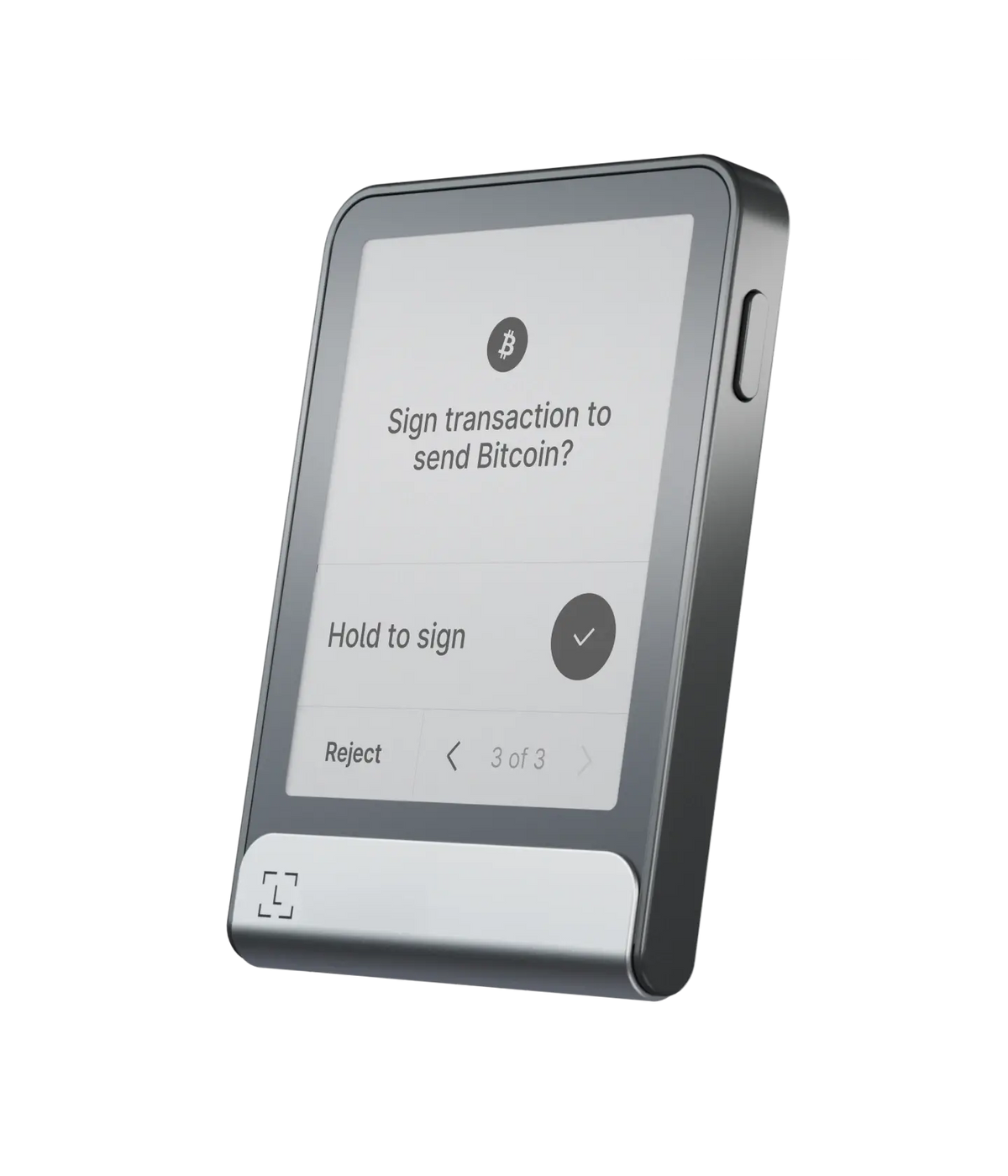
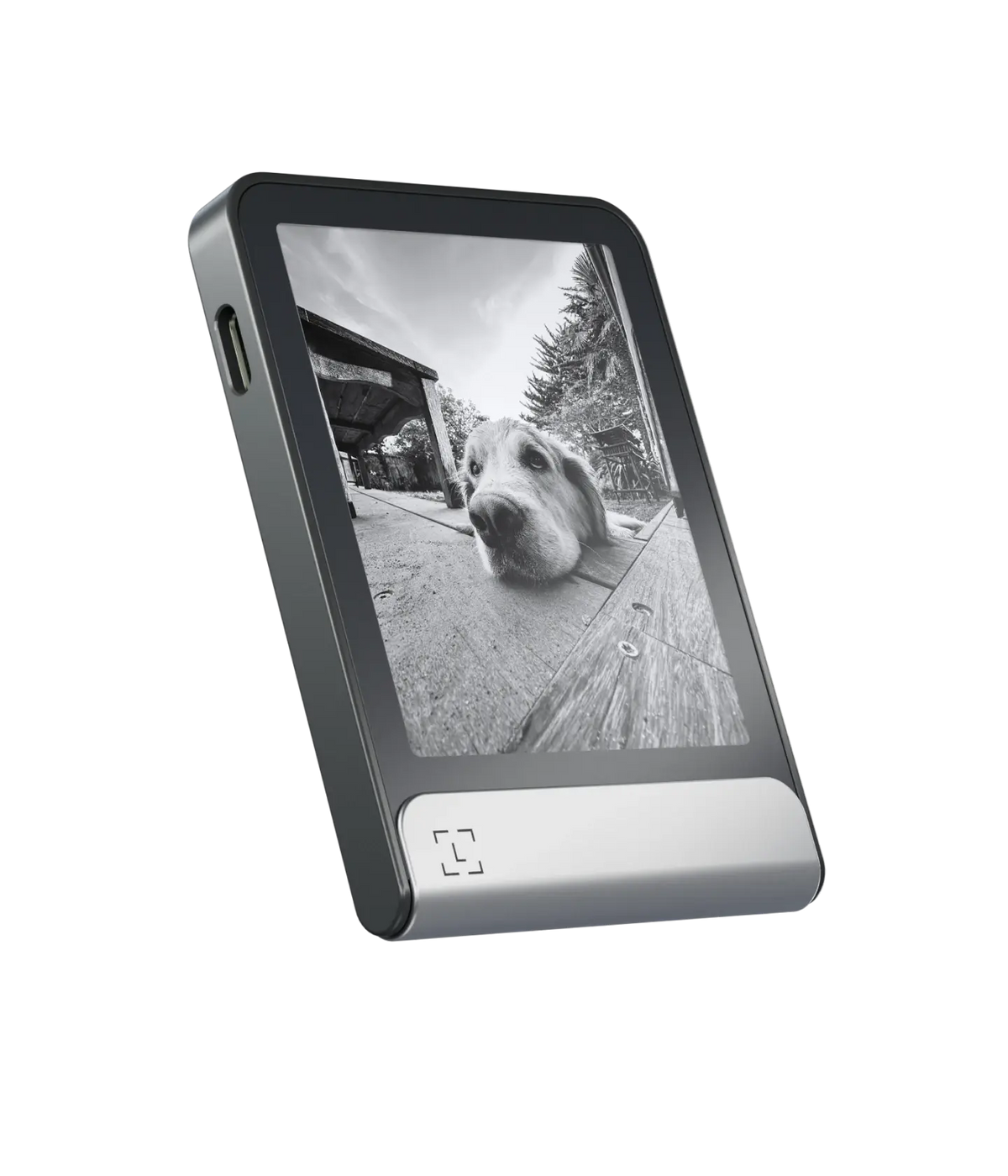
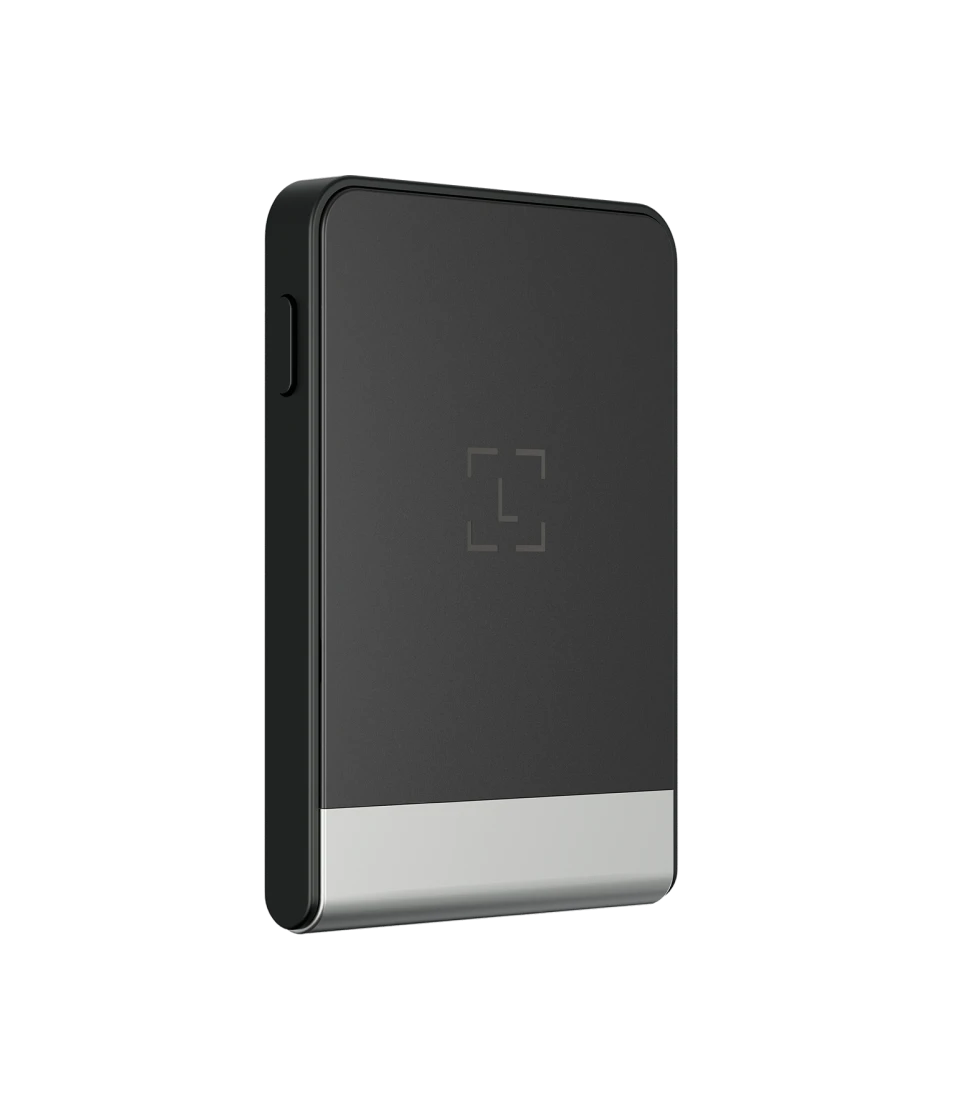
Ledger Flex is a compact touchscreen hardware wallet built for users who regularly manage crypto from both phones and computers. Its 2.84-inch E Ink display offers more space for reviewing transactions than the Nano line, while USB-C, Bluetooth and NFC provide flexible connectivity for everyday self-custody.
Ledger Flex overview
Ledger Flex protects the private keys used to control cryptocurrency and other supported digital assets. The device works with Ledger Wallet and compatible third-party wallets: software prepares an action, but the final verification and signature occur on the hardware wallet. This separation is valuable because an internet-connected phone or computer has a much larger attack surface.
The Graphite model uses a flat E Ink touchscreen protected by Gorilla Glass. E Ink remains visible with very low power consumption and provides a clear, high-contrast interface. Owners can personalize the lock screen while keeping transaction approval separate from the companion app.
Secure screen and transaction verification
Flex combines a Secure Element chip, Ledger OS and a secure touchscreen. Its larger interface is not merely cosmetic: it gives users more room to examine addresses and supported Clear Signing details before approval. The device also supports Transaction Check for additional risk information on compatible transactions.
These tools improve clarity but do not make every signature safe. Always compare the destination, amount, asset and network displayed on the device. When interacting with DeFi, understand token approvals and avoid signing unexpected messages. A correct-looking website does not guarantee that the transaction it creates is harmless.
Connections and compatibility
- Bluetooth: convenient interaction with supported iOS and Android phones.
- USB-C: wired use with compatible computers and Android devices.
- NFC: used by Ledger Recovery Key and supported security-key functions.
- Ledger Wallet: portfolio management and access to supported services from one companion interface.
Flex is particularly practical for people who sign transactions frequently and want a screen large enough for comfortable review without carrying the larger Stax. It does not include Stax’s curved display or Qi wireless charging, which helps distinguish the two touchscreen models.
Recovery Key and safe setup
Current packages include Ledger Recovery Key, a PIN-protected Secure Element card designed as an optional private backup. Treat every recovery method as highly sensitive. Complete setup away from cameras, verify the authenticity of the Ledger application, and never share recovery information with anyone claiming to be support. Ledger should never need your secret words to troubleshoot a device.
Who is Ledger Flex best for?
Flex makes sense for users who want a modern touchscreen experience, mobile support and a compact credit-card-like body. It may justify its position over Nano Gen5 for buyers who prefer its materials and established form factor. Budget-focused desktop users can consider Nano S Plus, while frequent travelers who prefer the classic USB-stick format may favor Nano X.
A sensible first-use checklist
Inspect the package, download Ledger Wallet through the official Ledger website and allow the application to verify the device. Generate your own recovery information during setup; never accept words printed in advance. Create the PIN privately, install only the asset applications you need and verify the first receiving address on both the Flex screen and the companion app.
Before moving a full portfolio, make a small incoming and outgoing test. Learn how token approvals differ from ordinary transfers, especially if you intend to use decentralized applications. Store the wallet and its recovery method separately, and leave trusted family or estate contacts instructions that explain where to find a plan without exposing the secrets themselves.
Verdict
Ledger Flex is a strong middle ground in the Ledger range: more readable and intuitive than button-based Nano devices, yet less elaborate than Stax. Its real value comes from careful on-device verification, not from the display alone. Check the latest supported assets, operating systems and in-box accessories before buying, then plan secure backups before transferring a meaningful balance.