
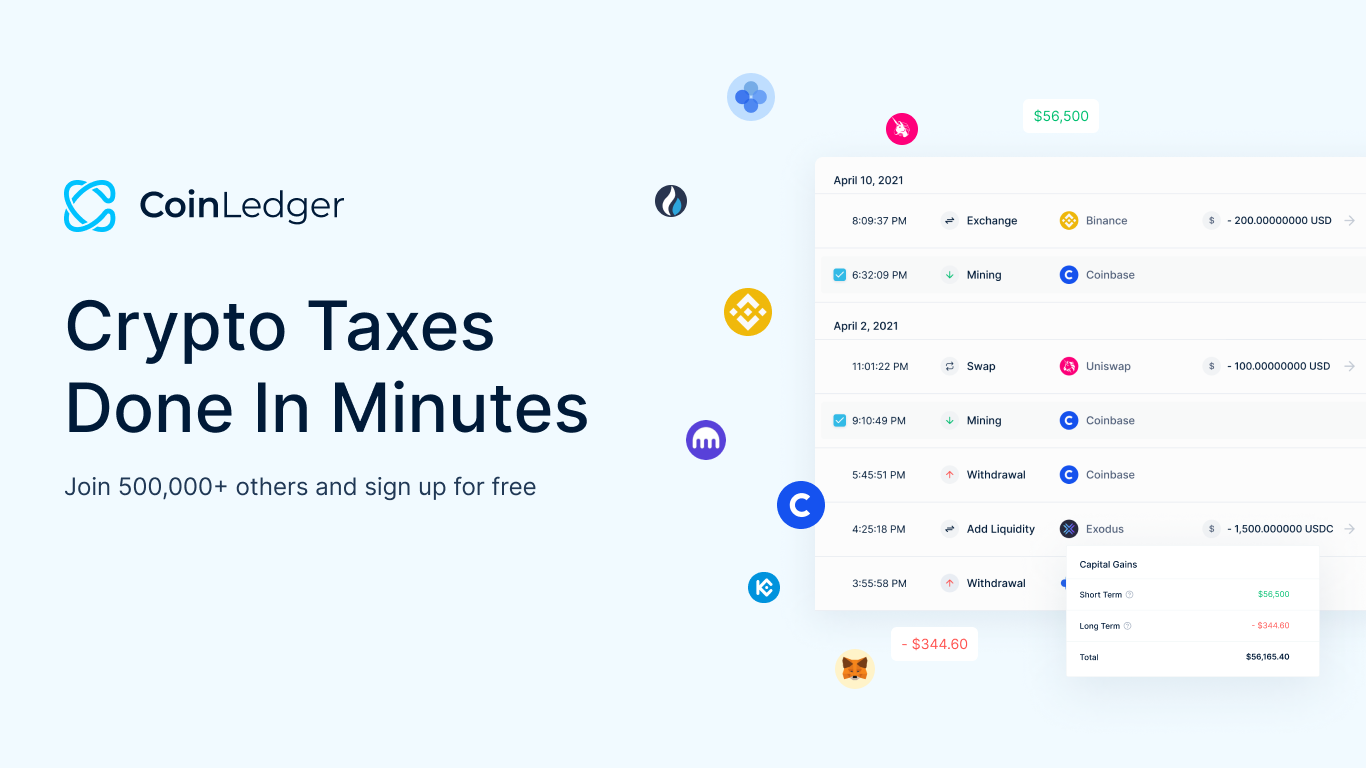


CoinLedger connects crypto activity from centralized exchanges, self-custody wallets, blockchains and decentralized applications so transactions can be reviewed in one tax workspace. This guide explains how CoinLedger integrations work, what “supported” actually means and how to handle a platform that does not have a direct connection.
What does a CoinLedger integration do?
An integration imports transaction history into CoinLedger. Depending on the platform, the connection may use read-only API access, OAuth authorization, a CSV file or a public blockchain address. The software then combines the imported records, identifies transfers between owned accounts and calculates gains, losses and income using the selected tax settings.
Integration does not mean CoinLedger controls an exchange account or wallet. Exchange API connections should require read-only permissions, never trading or withdrawal access. A public wallet-address import reads activity already visible on the blockchain and does not require a seed phrase or private key.
Supported centralized exchanges
CoinLedger’s official directory includes major platforms such as Coinbase, Binance and Binance.US, Kraken, Gemini, Crypto.com, Robinhood, KuCoin, Bitget, MEXC, OKX, Uphold and many regional exchanges. The exact import method varies. Some platforms provide an automatic API or OAuth workflow, while others require files exported from the exchange.
Always open the platform-specific guide inside CoinLedger before exporting data. An exchange may offer several reports, but only one may contain the complete spot, rewards, fees and conversion history needed for tax calculations. Import every year of activity, not only the year being filed, because historical acquisitions establish cost basis for later disposals.
Wallet and blockchain support
For supported networks, users can usually add a public receive address or extended public key. CoinLedger’s current documentation lists major networks including Bitcoin, Ethereum, Solana, Cardano, XRP, Polygon, Base, Arbitrum, Optimism, Avalanche, BNB Smart Chain and many others. Support evolves, and some archived networks may allow only historical or file-based imports.
A multi-chain wallet is not a single data source. MetaMask, Ledger, Trust Wallet and similar products can hold accounts on several networks. Each relevant address and blockchain may need to be imported separately. Missing one chain can create unexplained withdrawals, deposits or incomplete cost basis.
DeFi and NFT integrations
CoinLedger recognizes activity from many protocols and marketplaces, including decentralized exchanges, staking applications, liquidity pools and NFT platforms. Examples in its official documentation include Uniswap, SushiSwap, Curve, OpenSea, Blur, Jupiter, Raydium, Lido and numerous chain-specific applications.
Protocol support is not the same as automatic classification of every new smart-contract interaction. Review imported swaps, liquidity deposits, bridges, NFT trades, staking rewards and gas fees. Uncategorized records may require a manual type or a custom entry before reports are accurate.
What if a platform is not supported?
- Export the complete transaction history from the exchange or wallet.
- Use CoinLedger’s Universal Manual Import template.
- Preserve the required column headers and timestamp format.
- Enter deposits, withdrawals, trades, income and fees consistently.
- Upload the completed CSV and resolve validation warnings.
For a small number of records, CoinLedger also supports individual manual transactions. Keep original statements as evidence and avoid guessing missing values. If data cannot be reconstructed, consult a qualified tax professional about a defensible treatment.
Integration checklist before generating reports
List every exchange, wallet address and blockchain used since the first crypto purchase. Compare imported account balances with real balances where possible, inspect transfers between owned accounts and investigate negative balances or missing-cost-basis warnings. Duplicate API and CSV imports can be as damaging as missing records, so do not connect the same history twice without checking dates.
Common integration mistakes
One frequent mistake is importing an exchange but forgetting the wallet that received withdrawals from it. CoinLedger then sees assets leave one account without seeing their next destination. Another is importing only a primary address while a wallet generated additional accounts. Futures, margin, earn products and payment-card rewards may also be delivered through separate exchange reports.
Do not treat an integration badge as proof that every historical product is covered. Exchange APIs change, networks add new transaction types and old platforms close. Compare the integration’s stated limitations with the way you actually used the service, then preserve original files even after an automatic connection succeeds.
Final takeaway
CoinLedger supports a broad crypto ecosystem, but reliable reports still depend on complete and correctly classified data. Verify current support in the official integration directory, use read-only connections and review every unusual transaction. The platform can automate much of the work; the owner remains responsible for confirming that all accounts and tax-relevant events are represented.